Tour and Travel Powerpoint Template: Capturing Adventure in Design
When you're building a brand around travel, exploration, or tourism, your visual presentation needs to do more than just look good. It needs to transport your audience. The Tour and Travel Powerpoint Template from Sky Creation is built with that exact goal in mind. It's not just a collection of slides—it's a design system crafted for anyone who wants to communicate wanderlust, professionalism, and clarity in a single deck.
What Makes This Template Stand Out
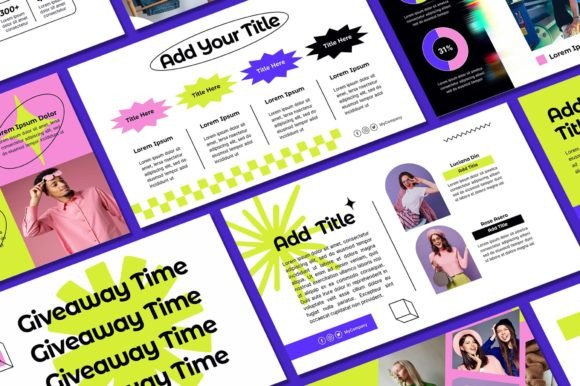
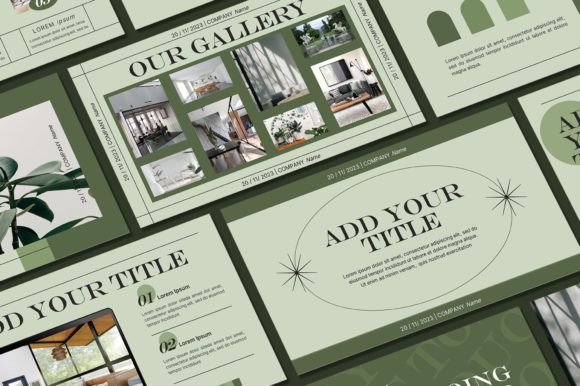
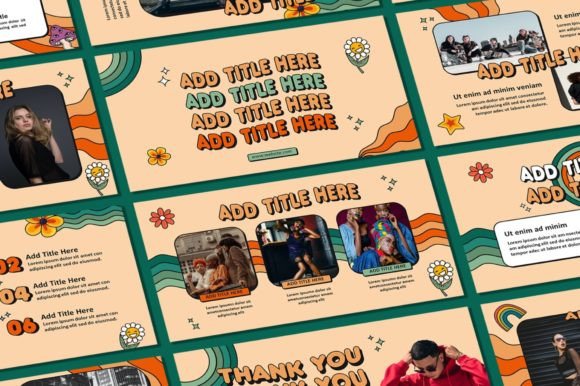
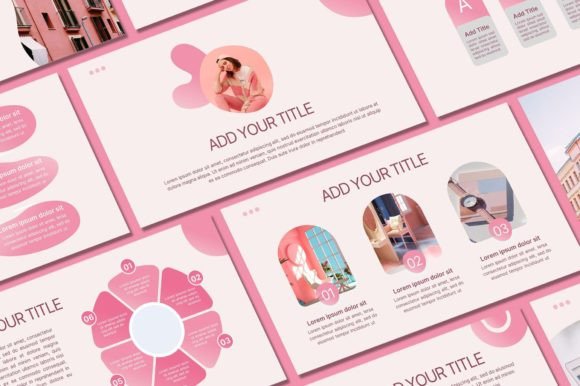
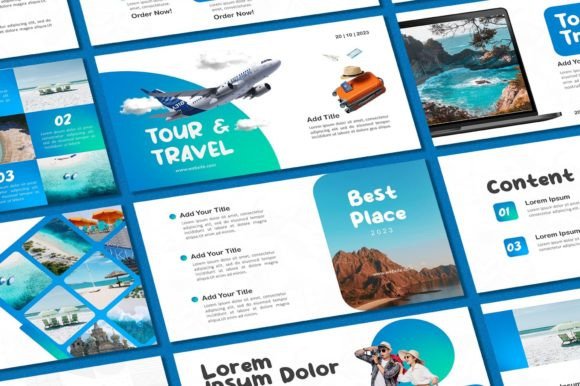
At its core, this template includes 40 unique slides, each designed with a clean, modern aesthetic that balances imagery with text. The visual personality leans toward bold, inviting, and organized. You'll find layouts that prioritize large photo placeholders alongside structured text blocks, making it easy to showcase destinations, itineraries, or promotional offers without overwhelming your viewer. The 16:9 aspect ratio ensures your presentations look sharp on widescreen monitors and projectors, which is exactly what you need for client pitches, travel expos, or internal planning sessions.
With over 400 free icons included, you're not starting from scratch. These icons cover everything from transportation and landmarks to weather and activities, giving you visual shorthand that speeds up your design process. Every element is fully editable—text, colors, fonts, backgrounds, photos, and logos can all be adjusted to match your brand identity. That level of flexibility is what separates a usable template from a genuinely useful design asset.
Where This Template Works Best
Think beyond the obvious. Yes, this is ideal for travel agencies and tour operators putting together client-facing proposals. But it also works beautifully for bloggers creating media kits, entrepreneurs pitching tourism startups to investors, marketers building seasonal campaign decks, and educators designing geography or cultural studies lessons. The clean typography and structured layouts make it adaptable across industries that value storytelling through visuals.
For small business owners, the Tour and Travel Powerpoint Template can serve as the backbone of your brand presentations. Whether you're introducing a new service, walking a client through a package, or presenting quarterly results to stakeholders, having a cohesive, professional deck saves hours and elevates your credibility. Content creators can repurpose slides into social media graphics or blog headers. Publishers might use the layouts to mock up travel feature spreads. The applications stretch far beyond the boardroom.
Design Details That Matter
The template's strength lies in its visual hierarchy. Each slide is structured so your audience knows exactly where to look first. Headlines sit prominently, supporting text fills the middle ground, and imagery anchors the composition. This kind of intentional layout directly influences how your message is received. A cluttered slide loses attention in seconds. A well-organized one keeps people engaged and makes your information stick.
Color choices in the default design lean toward warm, adventurous tones—think earthy neutrals paired with vibrant accent colors that evoke sunsets, ocean blues, and lush landscapes. These aren't random aesthetic decisions. They're rooted in how color psychology affects perception. Warm palettes feel inviting and energetic, which is exactly the emotional response a travel brand wants to trigger. Of course, since everything is editable, you can shift the palette to match your specific brand guidelines without losing the underlying structural integrity.
Practical Tips for Getting the Most Out of It
After purchasing and downloading the file through the provided Google Drive link, take a few minutes to install the recommended fonts on your computer before opening the PowerPoint file. This prevents formatting issues and ensures the typography renders exactly as intended. From there, start by identifying which slides align with your content goals. You don't need to use all 40—curate the ones that serve your narrative.
When swapping in your own photos, aim for high-resolution images with consistent lighting and color grading. A beautiful template can be undermined by mismatched or low-quality imagery. If you're building a brand deck, upload your logo early and lock it into a consistent position across slides. This small detail reinforces brand recognition and makes your presentation feel polished rather than improvised.
Font pairing is another area worth attention. The template comes with suggested typefaces, but if you're integrating it into an existing brand system, test your own fonts against the layouts. A clean sans serif for body text paired with a bold display font for headlines usually works well in presentation contexts. Avoid mixing too many typeface families—two is typically the sweet spot for maintaining visual cohesion without sacrificing variety.
Licensing and Usage Considerations
It's important to note that all designs within the Tour and Travel Powerpoint Template are copyrighted to Sky Creation and intended for personal use. This means you can customize and use them for your own projects, presentations, and business needs, but reselling or redistributing the template itself isn't permitted. For professionals working with clients, this distinction matters. You can deliver a finished presentation built on the template, but you can't pass along the editable source file as a product.
If questions come up during setup or customization, the creator offers direct support through messaging. That kind of accessibility is worth noting—it means you're not left troubleshooting alone if something doesn't render correctly or if you need guidance on a specific edit.
Final Thoughts on Building Better Travel Presentations
A strong presentation template isn't about decoration. It's about communication. The Tour and Travel Powerpoint Template gives you a structured, visually compelling framework that respects both your content and your audience's attention. Whether you're crafting a pitch deck, a client proposal, a social media strategy overview, or an educational module, starting with a thoughtfully designed foundation makes every subsequent decision easier and more effective. The 400+ icons, 40 slides, and full editability mean you're equipped to handle a wide range of projects without starting from zero each time. That's the real value of a well-built design asset—it doesn't just look good, it works hard for you.