Healthcare PowerPoint Template: A Visual Toolkit for Modern Clinics
Designing Presentations That Build Trust
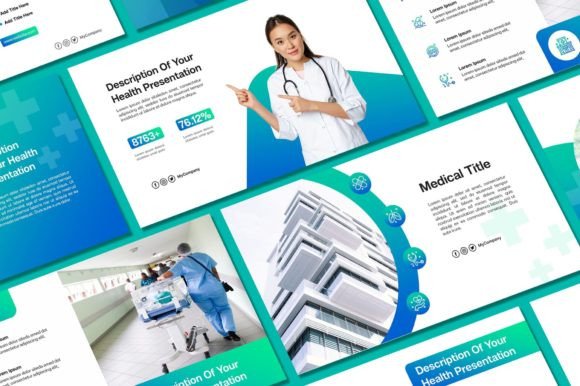
When presenting medical data, patient education materials, or business strategies to stakeholders, the visual medium is just as important as the content. A generic, text-heavy slide deck can undermine the professionalism of your practice. This is where the Healthcare PowerPoint Template from Sky Creation steps in. It isn't just a collection of slides; it is a comprehensive visual system designed to communicate clarity, stability, and modern expertise. With 50 unique slides and a 16:9 aspect ratio, it provides the canvas you need to convey complex information with simplicity.
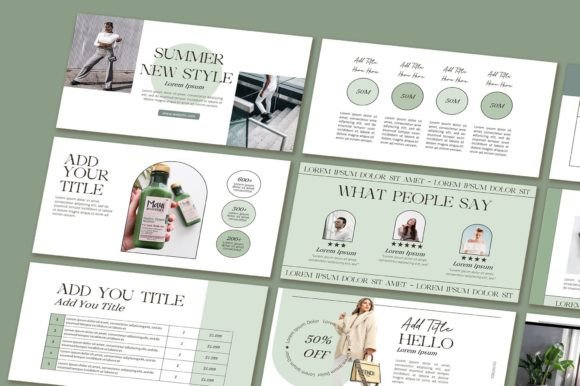
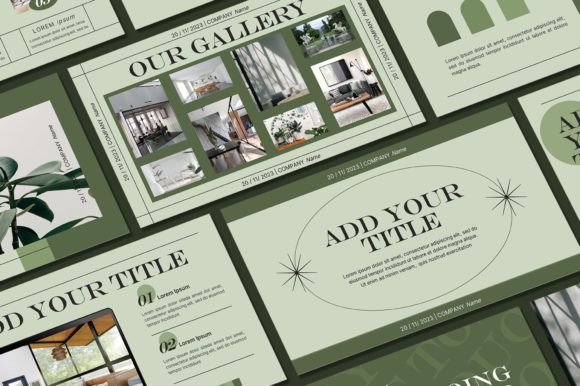
The design philosophy here focuses on "clean medical aesthetics." You won't find cluttered layouts or distracting animations. Instead, the template utilizes a balanced composition of whitespace, crisp typography, and medical iconography. This creates a personality that is both approachable and authoritative—exactly what patients and partners look for in a healthcare provider. The included demo pictures and editable graphics ensure that the visual hierarchy naturally guides the viewer's eye to the most critical data points, whether that is a patient prognosis or a quarterly budget report.
The Anatomy of an Effective Medical Deck
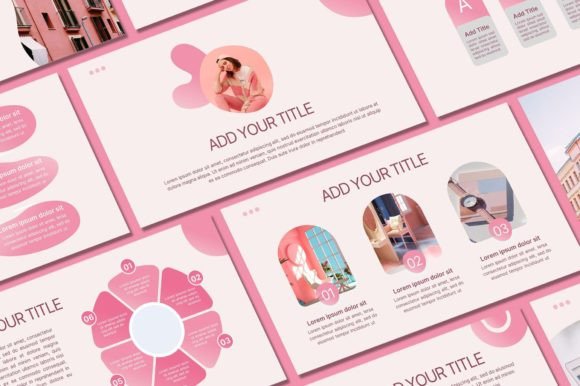
One of the standout features of this design asset is its versatility in brand identity application. Healthcare is broad, ranging from pediatric dentistry to mental health counseling and veterinary services. A generic clip-art look won't work for everyone. This template allows for deep customization. You can adjust background colors to match your clinic's specific palette, swap out photos to reflect your actual team and facility, and integrate your logo seamlessly. This flexibility ensures that the final product feels like a bespoke creation rather than a downloaded file.
For the DIY designer or small business owner, the process of customization is intuitive. The workflow is straightforward: download the file, install the necessary fonts to maintain the intended aesthetic, and begin editing. The inclusion of over 400 free icons is a massive value add. These aren't generic symbols; they are medical-specific graphics that allow you to create infographics about patient flow, surgical procedures, or health statistics without needing to hire a graphic artist for every new presentation.
Visual Hierarchy and Readability
In medical contexts, readability is paramount. The typography choices in the Healthcare PowerPoint Template are designed for legibility on both large screens and printed handouts. The visual hierarchy is clearly defined: bold headers grab attention, while body text remains clean and easy to scan. This structure prevents "death by PowerPoint" and keeps your audience engaged. Whether you are displaying patient testimonials or explaining a complex medical concept, the layout supports the narrative rather than fighting it.
Practical Application: Beyond the Lecture Hall
While the primary use case is presentations, creative professionals are finding ways to repurpose these assets. The slides can be exported as high-resolution images for use in social media graphics, creating a cohesive look across your Instagram or LinkedIn presence. Furthermore, the design principles used here—clean lines, structured grids, and consistent styling—can inspire other aspects of your marketing materials, such as packaging design for health products or editorial design for patient brochures.
For entrepreneurs and marketers, the ability to quickly assemble a professional deck is a competitive advantage. You can use this template to pitch investors, onboard new staff, or educate clients. The "plug-and-play" nature of the slides means you can focus on your strategy rather than fiddling with alignment and color codes. It transforms the daunting task of presentation design into a streamlined, efficient process.
Technical Specifications and Workflow
It is crucial to follow the specific installation instructions to get the best results. A common pitfall is trying to edit directly in Google Slides, which can break the premium font styling and layout precision. For the best outcome, download the PPT file to your local machine and use Microsoft PowerPoint. This ensures that all graphic editable elements remain responsive and the typeface renders correctly. Taking the time to install the provided fonts is a small step that makes a significant difference in the final polish of your presentation.
Choosing the Right Design Assets
When selecting a template, consider the long-term utility. This kit is not just for a one-off meeting; it is a resource you can return to repeatedly. The modern typography and layout styles are timeless enough to avoid looking dated in six months, yet contemporary enough to signal that your organization is up-to-date. It bridges the gap between personal use for learning and commercial application for business growth.
Ultimately, the goal of any healthcare communication is to reduce anxiety and increase understanding. A well-designed presentation does exactly that. By utilizing the Healthcare PowerPoint Template